Edit Page - Admin Only Style Guide - Admin Only Control Panel - Admin Only

Chronos®

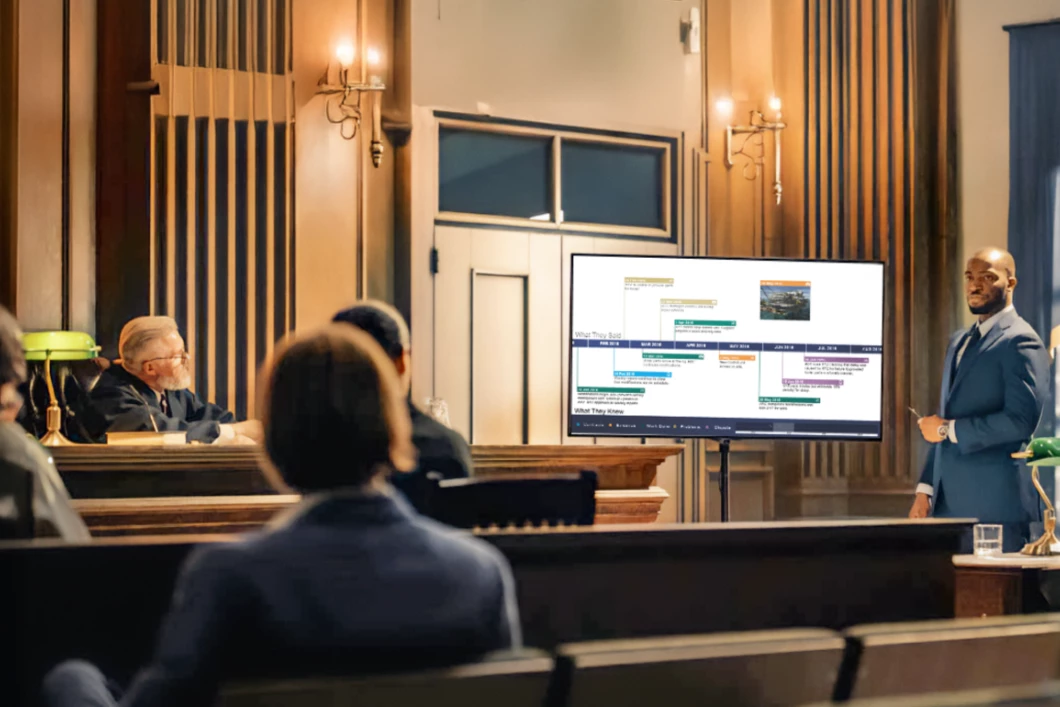
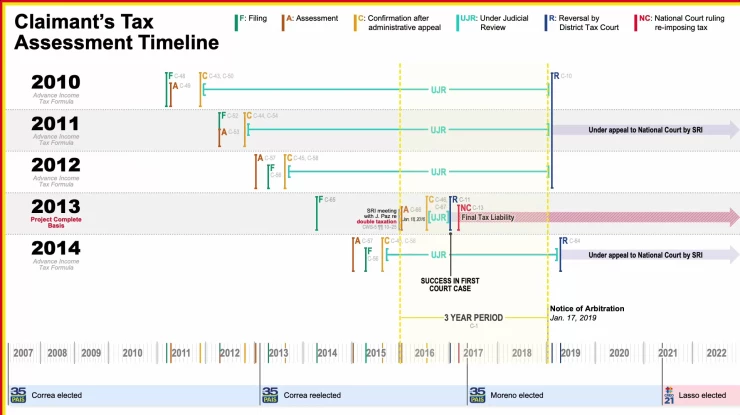
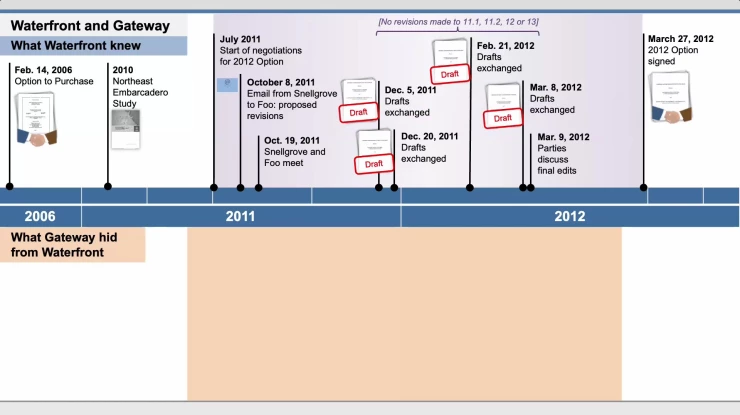
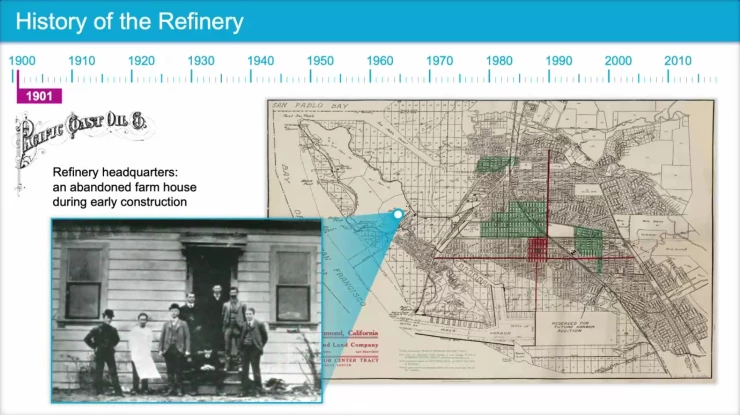
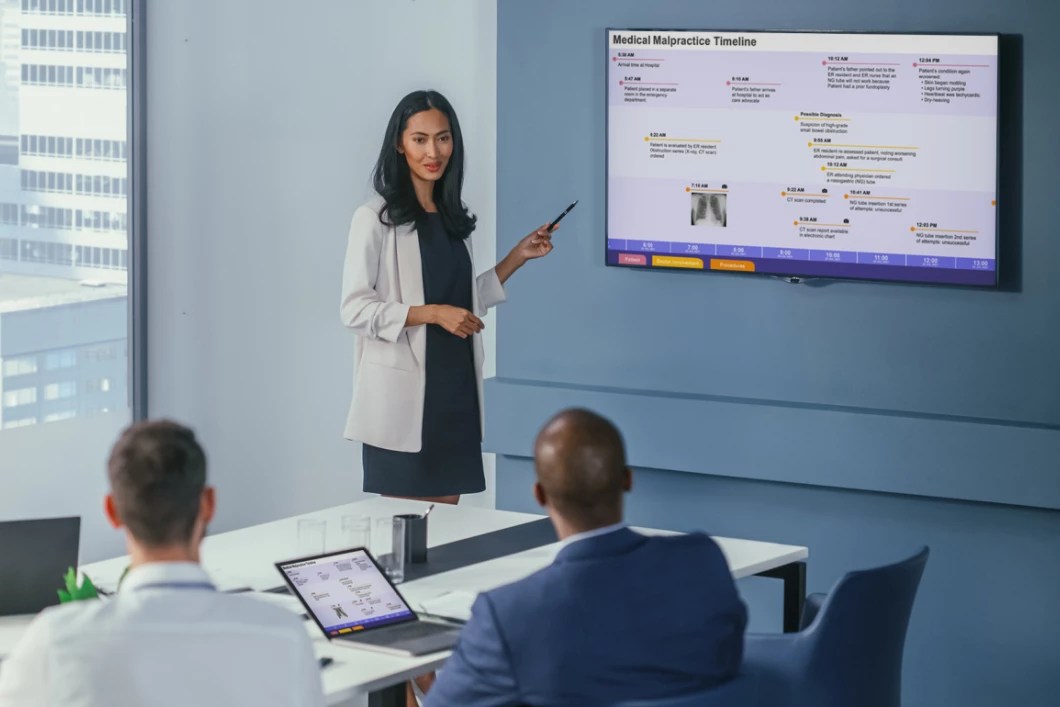
Bring your legal strategy to life with interactive timelines that provide a comprehensive roadmap of your case and instant access to related events and exhibits.

IMS clients have relied on Chronos® in hundreds of significant legal disputes worldwide to show what happened, what was known, and why it matters. That's the power of strategic storytelling.

Transform vast amounts of case data into a visually compelling story.

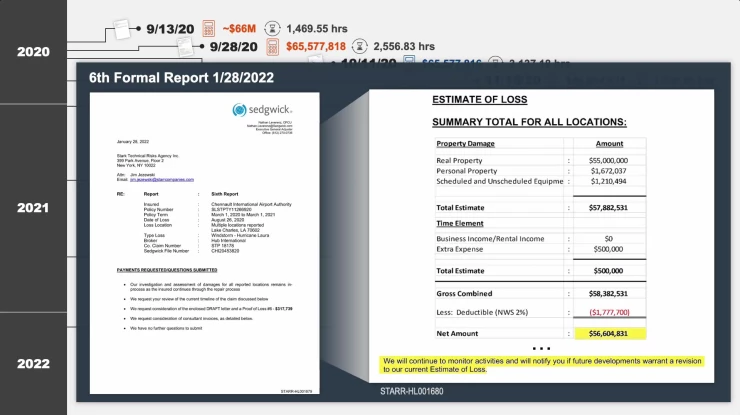
When outcomes depend on understanding what happened and when, rely on our exclusive technology to bring your case together into a single, powerful timeline. Chronos is built to support both your strategy and presentation, connecting events directly to ancillary exhibits, documents, images, and video, so you can access key evidence instantly.

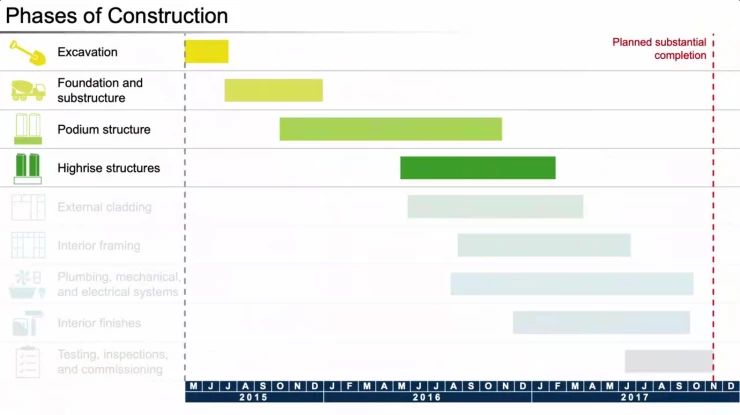
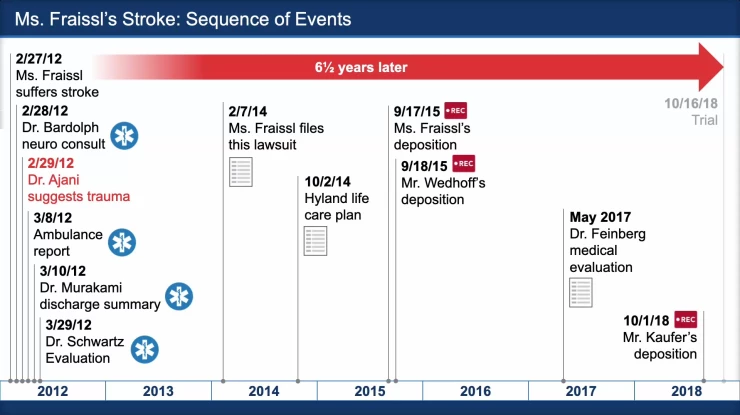
Chronos timelines are fully customized to your case, with events organized by theme and linked materials just a click away, making it easier to build and present your strategy. Instantly display hundreds of events and relevant exhibits through an intuitive interface. Navigate through seconds or centuries with ease. Quickly answer questions that arise during preparation and proceedings.

With Chronos web access, your timeline becomes a working tool throughout the case, allowing you to review and refine events as your strategy evolves. Read more below.

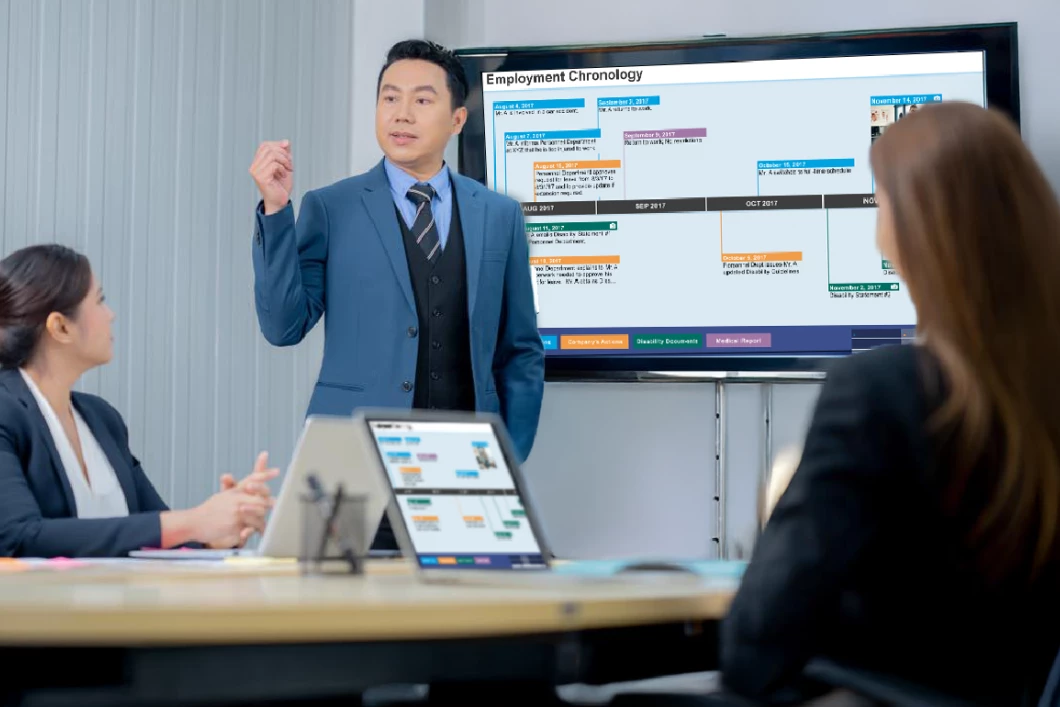
IMS produced a timeline that had a very powerful effect on our ICC arbitration. It enabled the tribunal to see our case at a glance and quickly became a standard document used as an aide-memoire.

Senior Associate, Am Law 50 Firm

FAQs

Timelines are essential in nearly every dispute, and Chronos offers unmatched flexibility and interactivity. It is highly effective for case analysis, strategy development, expert and witness preparation, hearings, and trial presentations.

Designed not only for presenting your case but also for comprehensive analysis throughout its lifecycle, Chronos allows you to easily access and manage the materials and exhibits related to each event in your timeline. This ensures you always have the information you need at your fingertips. Additionally, the timeline can be shared as a leave-behind, providing adjudicators with a roadmap they can review and interact with while deciding your case.

Chronos can be used on any type of case. Chronos is particularly effective for cases that have many events and offers a clear presentation of the facts and exhibits. It is also effective for complex litigation involving multiple parties, multiple timelines, and countless exhibits.

Chronos provides a variety of interactive features designed to enhance the user and audience experience. It offers intuitive navigation and allows you to easily access any event on your timeline. You can quickly retrieve the exhibits associated with each event, ensuring that all relevant information is readily available. Additionally, Chronos includes highlighting tools for enhancing exhibits, which makes it easier to emphasize important details.

Yes, Chronos is fully customizable to your case. The look and feel of the timeline can be designed to match the brand style of specific parties or other demonstratives. You can organize events by theme or issue, link related exhibits, and tailor the timeline to highlight key aspects of your case. Chronos enables you to edit your timeline, add or hide events, link exhibits, and customize the overall presentation to fit your case strategy.

There is no limit to the number of events Chronos can handle. It also provides great versatility in displaying events spanning any time frame, from seconds to centuries.

Chronos seamlessly integrates multimedia content—including documents, photographs, illustrations, videos, and animations—to enhance your presentation and create an engaging experience.

Yes, Chronos is supported by our visual advocacy and trial presentation consultants who can help you create and modify timelines to meet the evolving needs of your case.

Chronos is compatible with both PC and Mac, and no special software is required. However, you may need to obtain permission from your IT department to download and install Chronos.

All that is needed is your timeline of events, regardless of format, and the associated exhibits.

Absolutely. The final deliverables from Chronos are user-friendly and accessible offline, making them a critical resource for decision-makers during presentations.

You can request a consultation here or by sending an email to contactus@imslegal.com. Visit this page to meet the IMS team and contact a specific consultant. Click here to learn more about the visual advocacy services we offer.